A processor's specification sheet runs to thirty lines, and the two figures shoppers compare most — gigahertz and core count — are the two least able to tell you which chip is faster. This article goes through the sheet line by line with four real processors, says what each line decides, and points out the lines that are easy to misread.
Four sheets, side by side
| Line on the sheet | Core i5-12400F | Core i5-14600K | Core Ultra 7 265K | Ryzen 7 9800X3D |
|---|---|---|---|---|
| Cores | 6 (6P) | 14 (6P + 8E) | 20 (8P + 12E) | 8 |
| Threads | 12 | 20 | 20 | 16 |
| Base clock | 2.5 GHz | 3.5 GHz | 3.9 GHz | 4.1 GHz |
| Max boost | 4.4 GHz | 5.3 GHz | 5.5 GHz | 5.2 GHz |
| L3 cache | 18 MB | 24 MB | 30 MB | 96 MB |
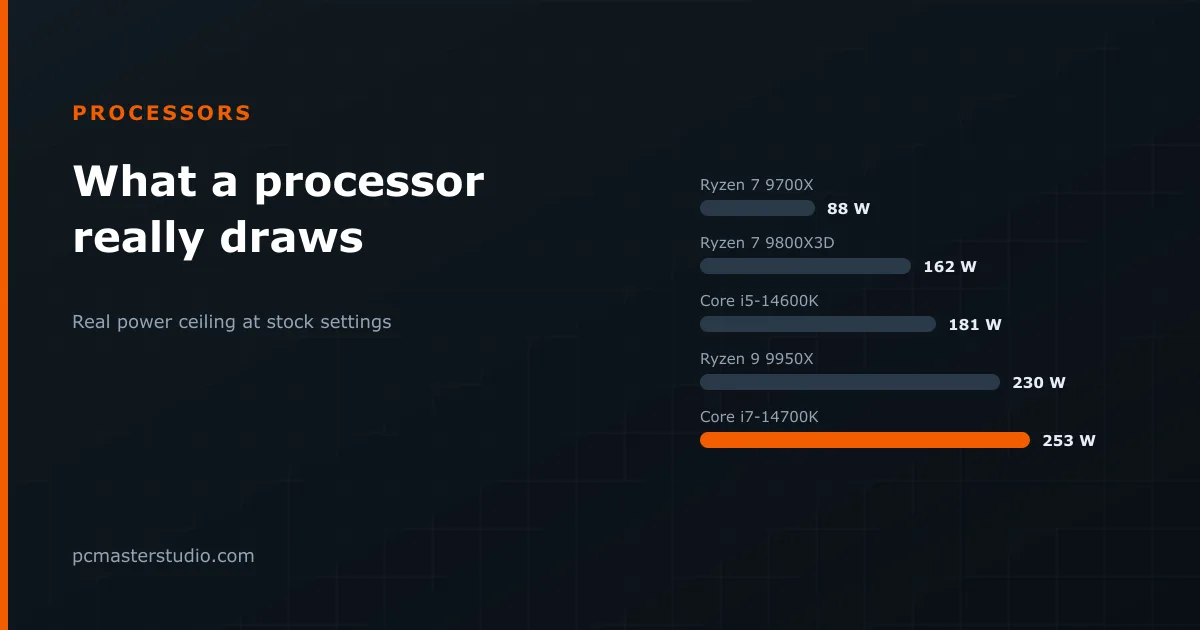
| Power ceiling | 117 W | 181 W | 250 W | 162 W |
| Socket | LGA 1700 | LGA 1700 | LGA 1851 | AM5 |
| Memory | DDR4 or DDR5 | DDR4 or DDR5 | DDR5 only | DDR5 only |
| Integrated graphics | No | Yes | Yes | Yes, basic |
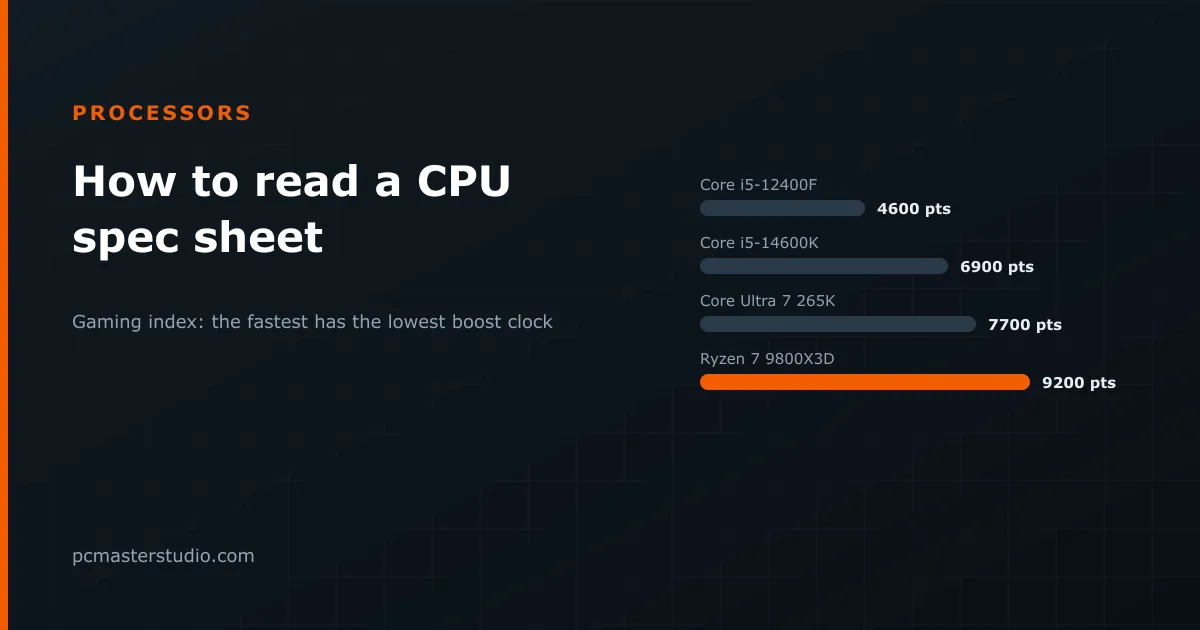
| Our gaming index | 4,600 | 6,900 | 7,700 | 9,200 |
Read the boost row and then the index row. The chip with the lowest boost clock of the three current ones is the fastest in games by a wide margin; the one with the most cores is second. Neither headline figure predicted it. That is the case for reading the rest of the sheet.
The lines, one at a time
Cores and threads — and the two kinds of core
Intel's current chips mix two designs. P-cores (performance) are large and fast and do the work a game cares about. E-cores (efficient) are small, slower individually, and good at spreading background and heavily parallel work. "20 cores" on a 265K means eight of one and twelve of the other, which is a very different machine from twenty identical cores. Threads come from running two tasks per core: most AMD cores and older Intel P-cores do it, while Intel's newest Core Ultra chips have dropped it, which is why the 265K has as many threads as cores.
For gaming, six to eight fast cores are enough. Core count starts to pay for rendering, encoding, compiling and virtual machines — our compilation benchmark shows how build times scale with it.
Base clock and boost clock
The boost figure is a best case for one or two cores briefly, under ideal temperature and power. The base figure is the floor under a sustained all-core load at the rated power. Neither tells you speed across designs, because each architecture does a different amount of work per clock cycle. Gigahertz compares two chips of the same family and generation. Beyond that, it compares nothing.
Cache
The last-level cache is the line most people skip and one of the best predictors of gaming performance, because games repeatedly need more data than fits close to the cores. The 9800X3D's 96 MB is the whole reason for its index; what that stacked cache does is covered in our article on X3D processors. Within one family, more cache helps games; across families, compare benchmarks rather than megabytes.
Power
AMD prints a TDP, and the real ceiling is 1.35 times that. Intel prints a base power and a maximum turbo power, and on enthusiast boards the chip lives at the second. The numbers on two different brands' boxes are therefore not comparable, and the difference decides both your cooler and your power supply. Our article on TDP, PPT and PL1/PL2 works through it chip by chip.
Socket and memory
These two lines decide what else you have to buy. The socket fixes the motherboard. The memory line fixes the RAM: LGA 1700 chips can use DDR4 or DDR5, depending on the board, while LGA 1851 and AM5 are DDR5 only. For an upgrade, these are the first lines to read, because they tell you whether a new processor means a new board and new memory as well. AMD's AM5 platform has so far been supported across several generations, which is worth something if you plan to upgrade the processor alone later.
Integrated graphics — and the suffix letters
Whether a chip can drive a monitor without a graphics card is signalled in the model name. The suffixes are worth learning, because the same number can mean different chips:
- K (Intel) — unlocked for overclocking, higher power limits.
- F (Intel) — no integrated graphics. Cheaper, and fine with a graphics card, but you cannot run the machine or diagnose a dead card without one.
- KF — both of the above.
- X (AMD) — higher clocks and power than the non-X model.
- X3D (AMD) — the stacked cache.
- G (AMD) — a stronger integrated graphics unit, meant to run without a card.
How to use the sheet
Read it in this order. First, socket and memory: they tell you what the chip costs you in board and RAM. Second, power: it tells you the cooler and supply. Third, cores, as a check that the chip suits your heaviest workload. Then, to decide between the candidates that survive, use benchmarks for the workload you care about rather than clock speed — for gaming, the index our bottleneck detector uses also shows whether the chip is balanced against your graphics card.
Where this can be off
Specification sheets are written by the manufacturer and describe stock behaviour; motherboards routinely change power limits and boost behaviour. Cache and clock matter differently from game to game. Our index is one number averaged across many, useful for ranking and for balancing a build, not a promise about any single title. How it is built is described on the methodology page.