
PC building
guides.
Step-by-step guides to choosing parts and reading hardware specifications, with the numbers explained.
Your
progress
Mark chapters as read and this page keeps track of where you left off. Progress is saved in this browser only.
How to Build a PC, Step by Step
Check compatibility first, prepare the board outside the case, cable it once, and know what a normal first boot looks like — including the minute of black screen that scares everyone.

Sizing a Power Supply Without Guessing
Headroom, transient spikes, connectors and efficiency — the four things that decide whether a PSU is right, none of which is the sticker wattage.

How Much VRAM You Actually Need
Why a card that never struggles in games can refuse to load a model at all, and how to work out the number you actually need.
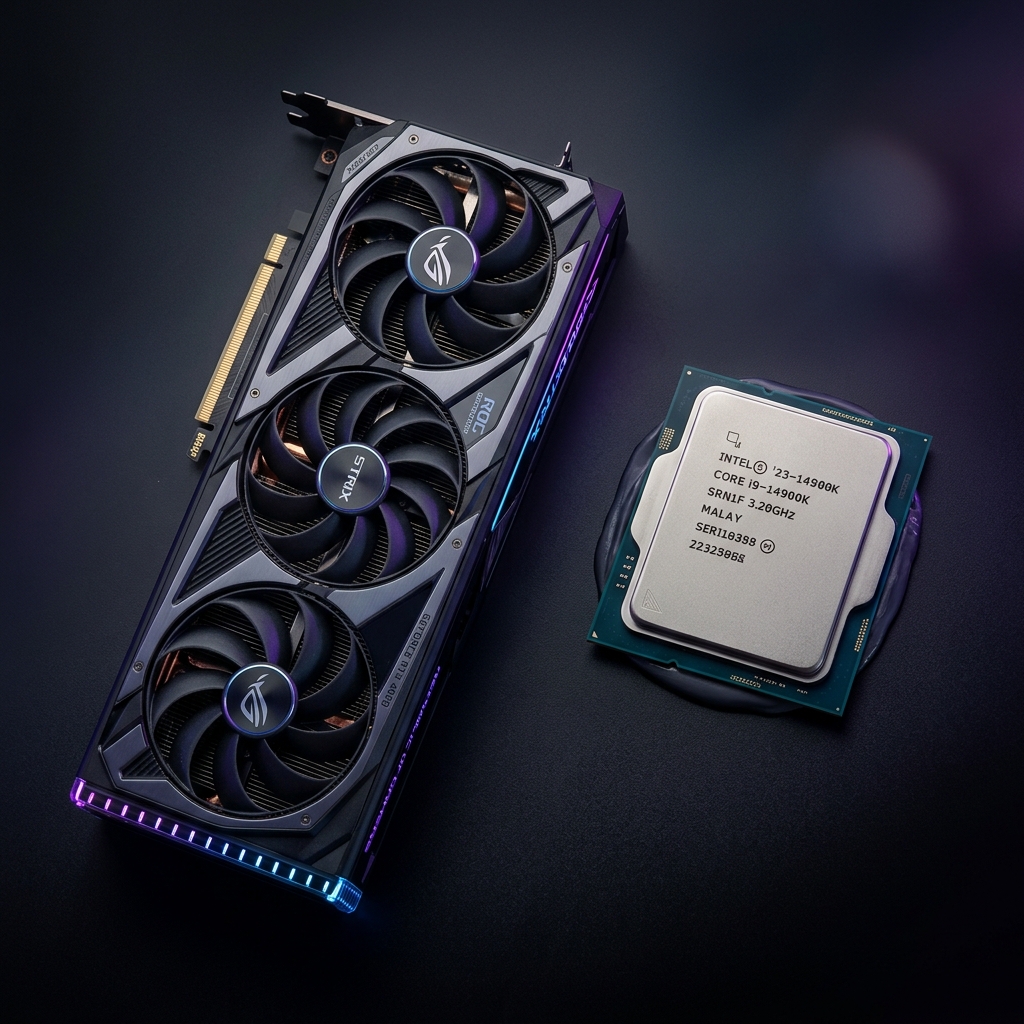
Reading a Bottleneck Correctly
Bottleneck percentages are widely misread. Here is what they mean, what they cannot tell you, and how to decide what to upgrade.
How these guides work
Each guide takes one decision that people routinely get wrong when building or upgrading a PC and works through it in chapters, from the idea to the number you need. They are longer than our articles on purpose: the articles answer a question, the guides teach you to answer the next one yourself.
Every figure in them comes from the same formulas our calculators use, which are set out in full on the methodology page. A guide and a tool never disagree, because they do the same arithmetic. If you are signed in, the site remembers which chapters you have finished, so a guide can be read in several sittings.
Where to start
- How to build a PC, step by step. Start here if this is your first build. It goes from checking that the parts fit to the first boot, in the order that avoids taking anything apart twice, and explains the black screen every new build shows for a while. Rehearse it first in the assembly simulator.
- Sizing a power supply without guessing. Read this while you are choosing parts. The supply is the component everything else depends on, and the one most often chosen by the sticker. The guide covers headroom, transient spikes, connectors and efficiency; the power supply calculator applies it.
- Reading a bottleneck correctly. Read this before spending on an upgrade. Bottleneck percentages are widely misread; the guide explains what they measure, why resolution changes them, and how to decide which part to replace. Test your own pairing with the bottleneck detector.
- How much VRAM you actually need. Read this if you want to run AI models locally. It explains why a card that never struggles in games can refuse to load a model, and how weights, cache and overhead add up. The VRAM calculator does the sum for any model.
For shorter answers to specific questions — which supply a given card needs, how much a machine costs to run, what order to buy parts in — see the articles in news.