
LLM VRAM calculator.
Select a language model, quantization, and context length to calculate exactly how much VRAM your GPU needs.
5.21GB
Breakdown
Recommended GPU
8GB VRAM — Runs locally
Minimum recommended: RTX 5060 · RX 9060 XT 8 GB
Estimation based on Ollama / llama.cpp. Results may vary by framework.
New to local LLMs?
Read our full guide on how to run models on your PC with Ollama.
Frequently asked questions
How much VRAM does a language model need?
Roughly the parameter count multiplied by the bytes per parameter, plus the context. A 7-billion-parameter model at 4-bit needs about 4 GB, at 8-bit about 7 GB, and at full 16-bit precision about 14 GB. A 70B model at 4-bit needs around 40 GB, which is beyond any single consumer card.
What does quantization actually cost me?
It stores each weight in fewer bits, so the model shrinks roughly in proportion. Going from 16-bit to 8-bit is close to free in quality terms; 4-bit is the usual sweet spot and the loss is small for most uses; below 4-bit the degradation becomes noticeable.
Can I add a second graphics card to fit a bigger model?
Yes — the layers are split across cards and the totals add up, so two 16 GB cards can hold a model that needs 30 GB. Expect some loss to the traffic between them, and note that the slower card sets the pace.
What happens if the model does not fit?
Whatever does not fit spills into system memory, and the parts held there run at a fraction of the speed, because the processor's memory is far slower than the card's. A model that mostly fits is usable; one that mostly does not is not.
Does a longer context need more memory?
Yes, and people routinely forget it. The attention cache grows with the number of tokens in play, and at long contexts it can take more memory than the model weights themselves. Size for the context you intend to use, not the smallest one.
Related reading
Articles that explain the numbers this page works with, with worked examples and sources.
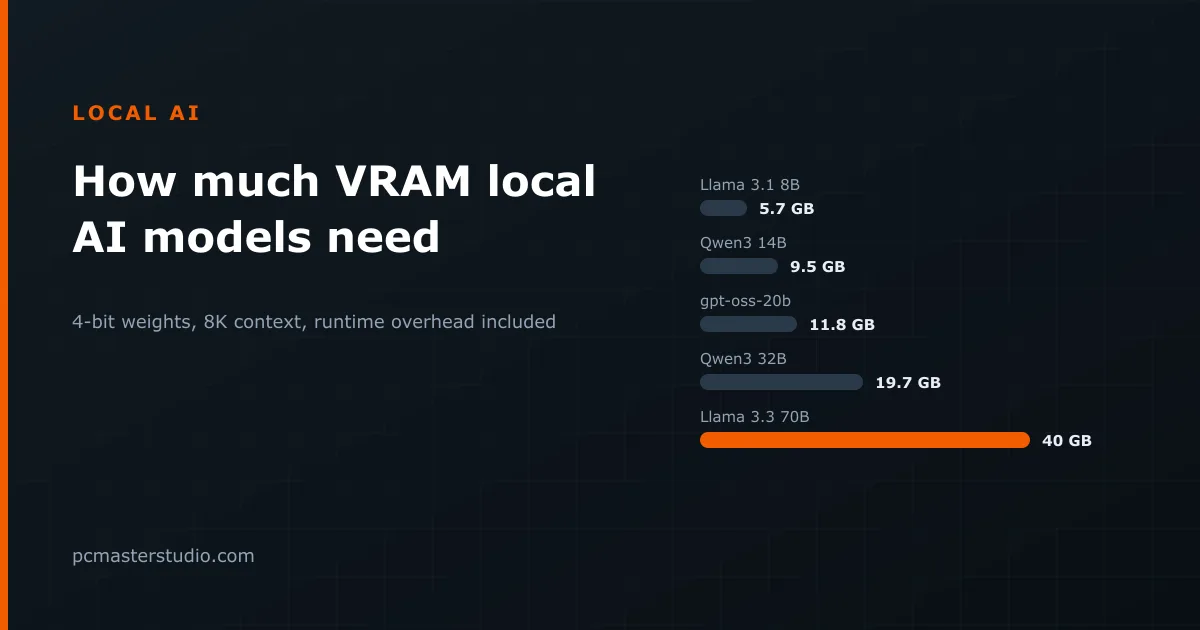 How much VRAM do local AI models need?Weights, KV cache and runtime overhead for eighteen models people actually download, and what fits on an 8, 12, 16, 24 or 32 GB card.
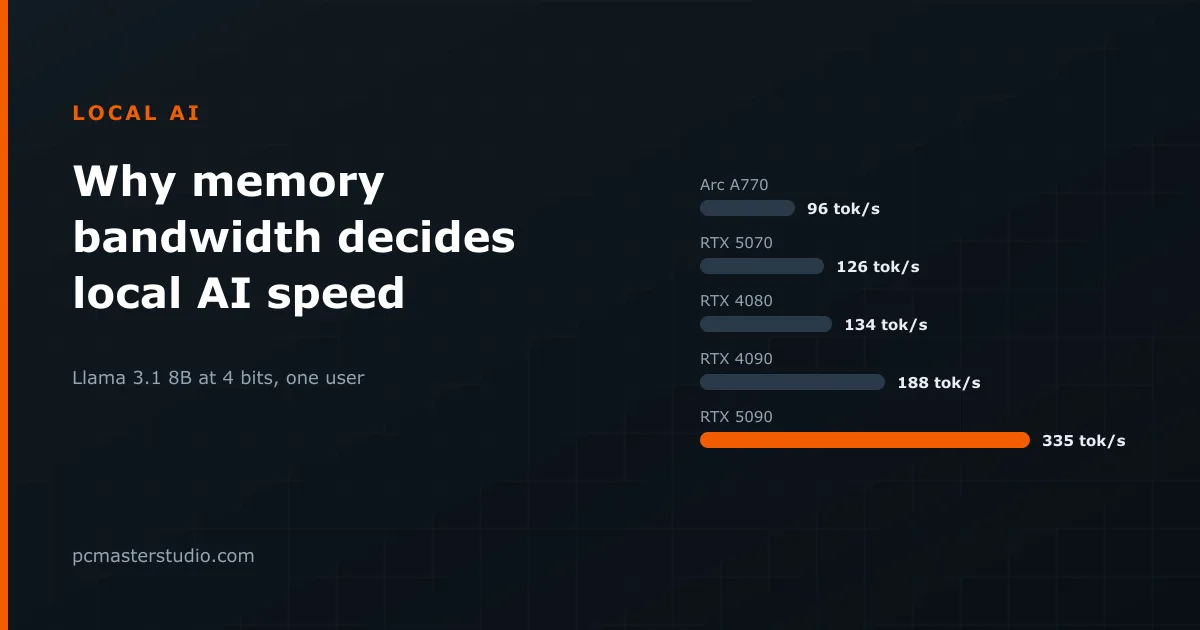 Why memory bandwidth decides how fast local AI runsA language model reads every weight for every token, so the speed limit is memory bandwidth, not compute. Tokens per second for nine graphics cards and three model sizes.
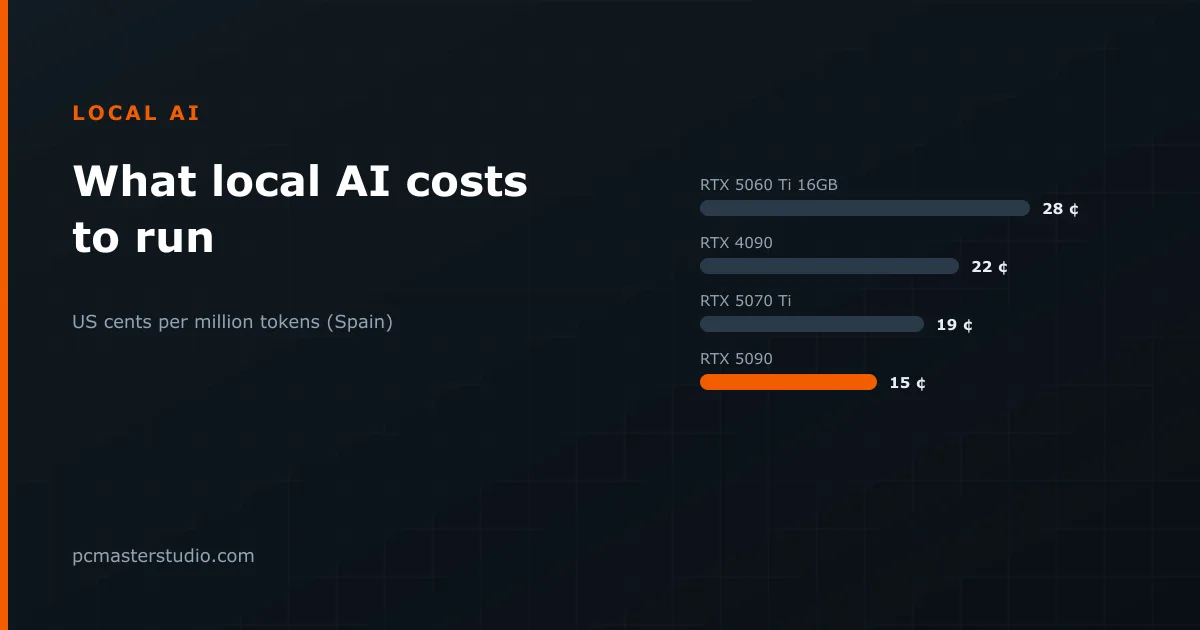 What running AI on your own graphics card really costsElectricity per million tokens for four graphics cards, why the fastest card is the cheapest per token, what the hardware adds, and the reasons that matter more than price.
Keep going
Other tools and reference pages that pick up where this one leaves off.
Run a site about PC hardware? Put this calculator on it