
Which widget for which page
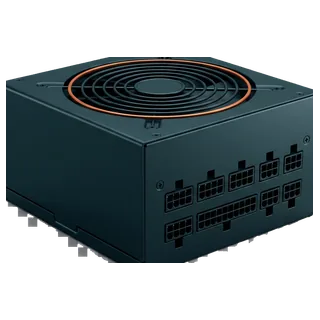
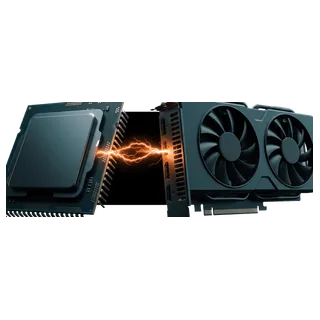
- Build guides and part reviews: the power supply calculator, so a reader can check the supply for the exact parts in your build, or the bottleneck detector when the article pairs a processor with a graphics card.
- Articles about running AI models at home: the LLM VRAM calculator, which answers whether a given model and quantisation fit on a given card.
- Energy, budgeting or cost-of-living pieces: the electricity cost calculator, which turns a machine's draw and hours of use into a yearly figure at the reader's own tariff.
- Teaching and beginner content: the assembly simulator, which lets someone put a PC together step by step and see why a part does or does not fit.
What updates on its own
The widget is served from this site, so when a part is added to the catalogue or a figure is corrected, every embedded copy shows the change the next time it loads. You never need to replace the code. The only things fixed in your page are the tool, the language and, if you leave out the script, the height.
Inside the frame
The frame shows the tool and the credit line and nothing of this site's navigation. It shows no cookie banner, no ads and no shopping links, so it adds nothing to your page that competes with your own content. Any link inside it opens the full page in a new tab rather than navigating the frame, so your reader never ends up stuck in a site inside your site.