
PC building simulator
Free in your browser, no download, no Steam, no account: pick real parts, check they fit and power the machine on. First build? Read the step-by-step guide.
How do you want to start?
Build it part by part, open a finished example, or take on a challenge.
Or open an example build
Total draw
35W
PSU headroom
0%
—W PSU
CPU / GPU temps
0/0°C
Noise 0 dBA
Performance index
0
CPU/GPU imbalance 0%
Next step: Case
Saved builds
Kept in this browser. Clearing site data removes them.
Nothing saved yet. Build something and give it a name.
Frequently asked questions
Is this the PC Building Simulator game from Steam?
No. That is a paid game with its own made-up shop and prices. This is a free tool that runs in your browser: no download, no account and no Steam. The parts are real models with their published measurements, so a build that works here is one you could actually order and put together.
Do I need to know anything about PCs to use it?
No. The simulator only unlocks a slot once the parts it depends on are in place, so it walks you through the order a real build follows: case, motherboard, processor, cooler, memory, drive, graphics card, power supply. If a part cannot work with what you have already installed, it turns red before you drop it and tells you why.
Are the compatibility checks real, or just for show?
They are measured against the manufacturers' published figures: CPU socket against board socket, DDR4 against DDR5, the card's board length against the chassis clearance, radiator size against what the case takes, cooler capacity against the processor's TDP, and total draw against the power supply's rating. A build that fails here would fail on your desk for the same reason.
Can I save a build or send it to someone?
Yes. Share build copies a link that reopens the exact configuration, and the parts list copies as plain text you can paste into a forum or a note. Your build is also kept in the browser, so closing the tab does not lose it.
Does this replace watching a build guide?
No, and it is not meant to. It rehearses the decisions — what fits with what, what the power budget is, where the cables go — not the handling. Standoffs, screw torque, thermal paste and static precautions are all real steps this cannot teach you.
Where do the components come from?
From a table of real retail parts with their published specifications, spanning roughly 2007 to today, topped up live from our hardware catalog when it is reachable. The header tells you which of the two you are browsing.
Related reading
Articles that explain the numbers this page works with, with worked examples and sources.
 DDR4 vs DDR5 in 2026: the performance-per-dollar verdictThe technical comparison between the two memory generations has not changed. The price has, enormously, and that inverts a good deal of the usual advice.
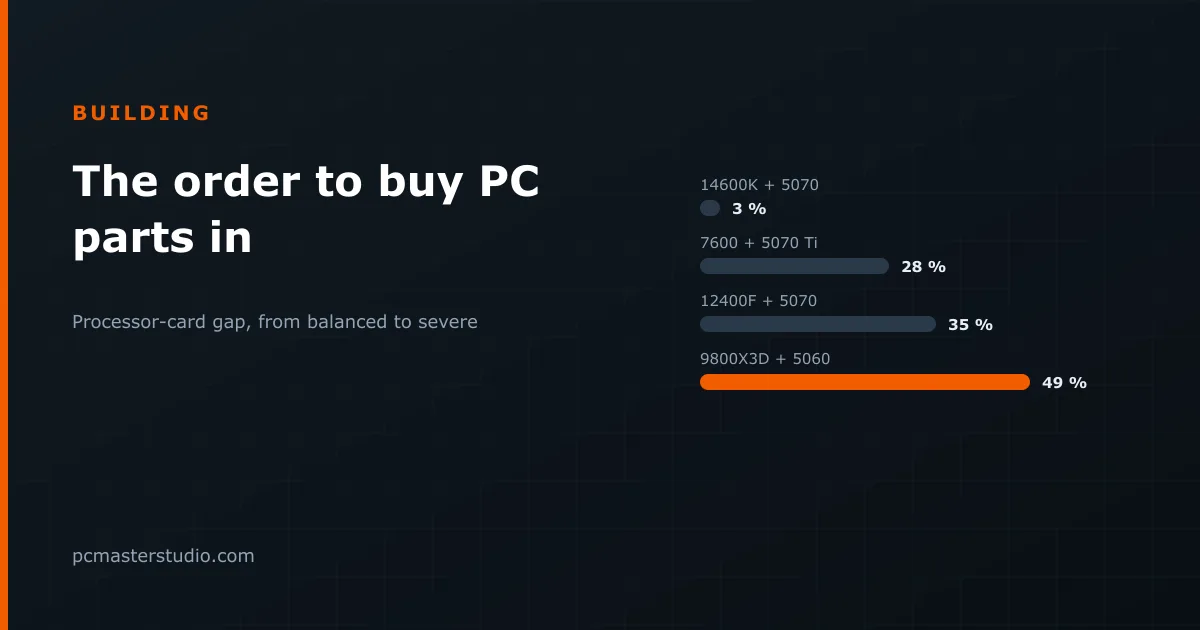 The Order You Should Buy Parts InEach part of a PC constrains the next. The order to decide them in, the four desktop platforms and their memory, balance checks and power supply sizes for real builds.
 The Ryzen 5 5500 in 2026: when it still makes senseIt is the cheapest processor you can build something decent around, and also the one most people buy without reading the single specification that matters.
Keep going
Other tools and reference pages that pick up where this one leaves off.
Run a site about PC hardware? Put this calculator on it