Two labels dominate the box of every power supply: a metal — Bronze, Gold, Platinum — and, on newer units, "ATX 3.1". Both are real and both are routinely misread. The metal is about efficiency, not quality, and it is worth far less money than the price gap between tiers suggests. ATX 3.1 is about how the supply behaves with a modern graphics card, and it is worth more than it looks. This article puts numbers on both.
What the metals certify
80 PLUS certifies one thing: how much of the power drawn from the wall reaches the components, measured at a few load points. The rest is lost as heat inside the supply. The figures below are the requirements for the standard 115 V test; units tested on 230 V mains, as in most of Europe, have slightly higher thresholds for each tier.
| Tier | 20 % load | 50 % load | 100 % load |
|---|---|---|---|
| 80 PLUS | 80 % | 80 % | 80 % |
| Bronze | 82 % | 85 % | 82 % |
| Silver | 85 % | 88 % | 85 % |
| Gold | 87 % | 90 % | 87 % |
| Platinum | 90 % | 92 % | 89 % |
| Titanium | 92 % | 94 % | 90 % |
What the difference is worth
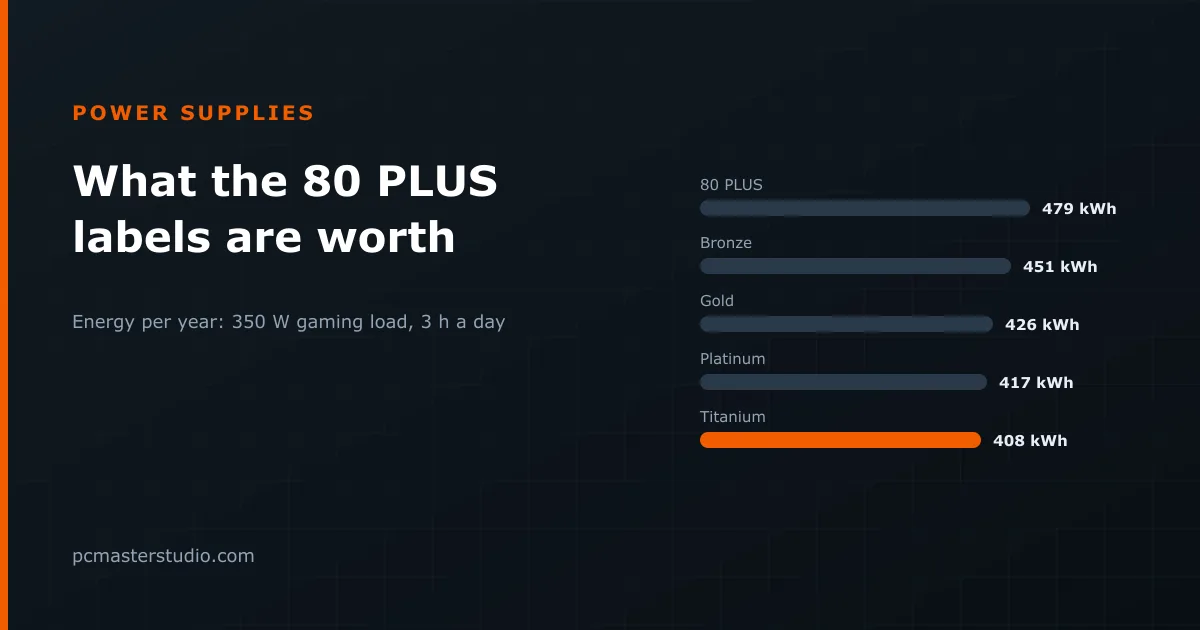
Take a gaming machine whose components draw 350 W while playing — a mid-range card and a mainstream processor — on a supply sized so that this sits around half its rating, where every tier is at its best. Play three hours a day for a year, at €0.25 per kWh:
| Tier | Drawn from the wall | Energy per year | Cost per year | Saving over the tier below |
|---|---|---|---|---|
| 80 PLUS | 438 W | 479 kWh | €119.80 | — |
| Bronze | 412 W | 451 kWh | €112.70 | €7.00 |
| Silver | 398 W | 436 kWh | €108.90 | €3.80 |
| Gold | 389 W | 426 kWh | €106.50 | €2.40 |
| Platinum | 380 W | 417 kWh | €104.10 | €2.30 |
| Titanium | 372 W | 408 kWh | €101.90 | €2.20 |
Moving from Gold to Platinum saves about €2.40 a year here. If the Platinum unit costs €40 more, it pays for itself in roughly sixteen years, which is longer than you will own it. The step that is worth paying for is the first one, away from bare 80 PLUS; above Gold, the tiers are buying quieter operation and lower heat in the case far more than they are saving money. Run the machine many hours a day at high load — a rendering box, a workstation, an always-on AI server — and the sums move, which is when the higher tiers start to earn their price.
What the metal does not tell you
An 80 PLUS badge says nothing about the parts that decide whether a supply is good. It does not rate the protection circuits that shut the unit down on a short circuit, overcurrent or overheating; the stability and ripple of the voltages it delivers; the quality of its capacitors; or how loud its fan is. A cheap Gold unit and an excellent Gold unit carry the same sticker.
Two things do say more. The first is independent testing: the Cybenetics programme measures efficiency across a wide range of loads rather than three, and rates noise as well — its ETA and LAMBDA grades are more informative than the 80 PLUS metals. The second is the warranty: a manufacturer offering ten years is making a statement about the components that a three-year unit is not.
ATX 3.0 and 3.1: the label that matters more
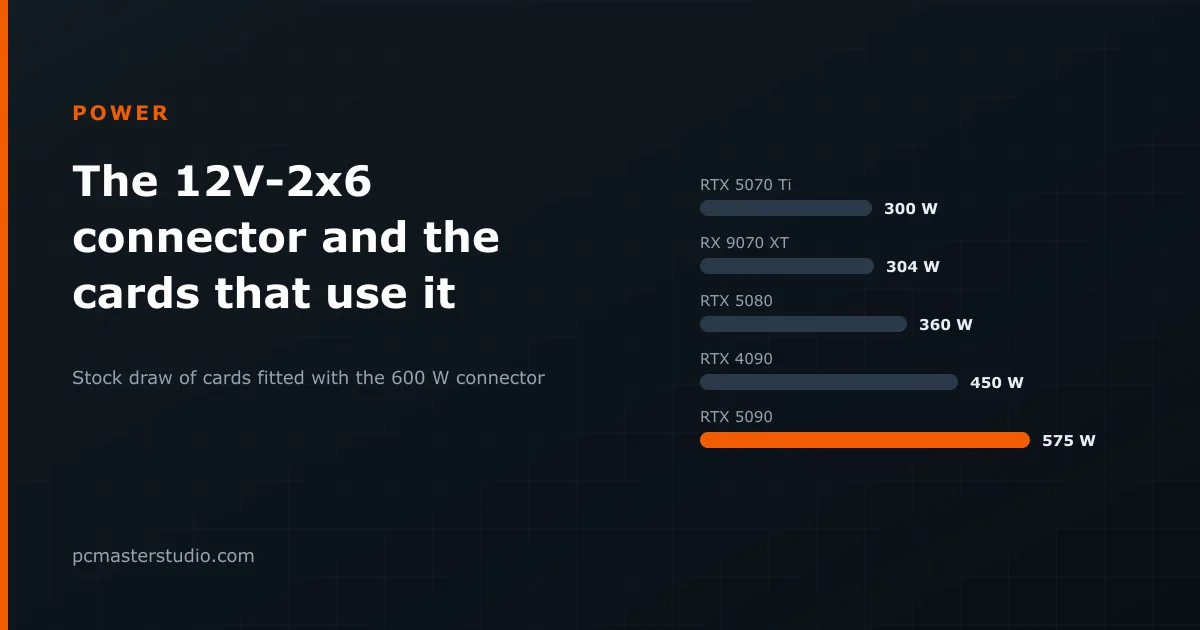
Modern graphics cards do not draw power smoothly. They spike, for microseconds, well above their rated figure, and an older supply can read those spikes as a fault and shut the whole machine down — the "PC turns off in games" problem that sends people hunting for a bigger unit they did not need. The ATX 3.0 specification defines how much of that excursion a supply must ride through, and ATX 3.1 carries the same design forward with the revised 12V-2x6 connector for high-power cards.
So the practical checklist is: an ATX 3.1 unit, with a native 12V-2x6 cable if your card uses that connector, from a maker with a long warranty and independent test results, at a sensible efficiency tier. What changed in the connector itself, and how to seat it, is in our article on the 12V-2x6 connector.
Size first, badge second
None of this matters if the unit is the wrong size. Our power supply calculator adds the card, the processor and 50 W for the rest of the system, applies 25 % headroom, and rounds up to a size that exists on a shelf. The article on power supply sizes works that out for 35 cards. Choose the wattage there, then use the label to choose between the units that meet it.
Where these figures can be off
Real units rarely sit exactly on the tier threshold; many Gold supplies test closer to Platinum. Efficiency also shifts with mains voltage, temperature and the exact load. The cost figures assume one steady gaming load, which no real machine has. Treat the table as a sense of scale — a few euros a year between neighbouring tiers — rather than a prediction of your bill. The formulas behind our calculators are described on the methodology page.