Almost everyone starts with the graphics card. It is the part people talk about, the one in the videos, and the one that is genuinely exciting. It is also the worst place to start, because it fixes your most expensive component before you have decided what the machine is for. Each part of a PC constrains the next, and buying them in the order the constraints flow saves money, returns and at least one evening of frustration. This is that order, with the checks that belong to each step.
1. Settle the workload before any part
"A good PC" is not a specification. A machine for competitive shooters at high refresh and one for rendering or local AI look alike in a photo and share almost nothing on the shopping list. Three questions decide everything downstream:
- What resolution and refresh rate? 1080p at 240 Hz leans on the processor; 4K at 60 Hz leans almost entirely on the graphics card.
- Anything besides games? Rendering, compiling and video work reward cores; local AI rewards video memory above everything.
- How long should it last? A machine you intend to upgrade in three years wants a platform with a future; one you will replace whole does not.
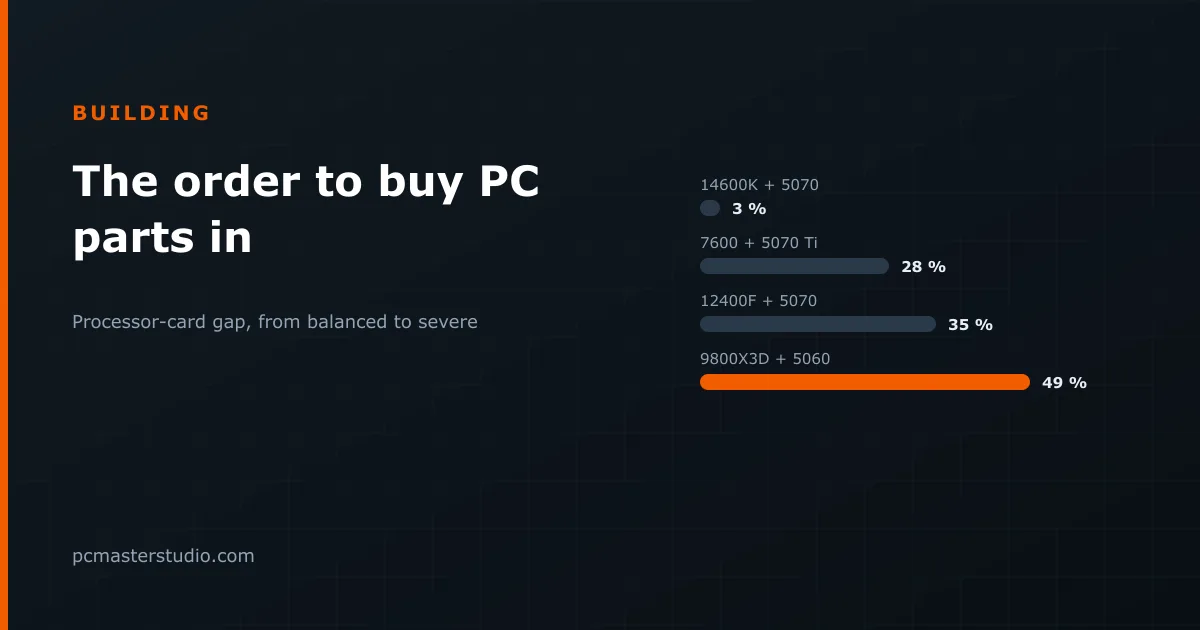
This is also where the budget split gets decided. A large imbalance between processor and graphics card leaves you paying for capability you will never use. Our bottleneck detector makes that visible before you spend rather than after:
| Pairing | Verdict |
|---|---|
| Core i5-14600K + RTX 5070 | Balanced (3 %) |
| Ryzen 5 7600 + RTX 5070 Ti | Processor limit, moderate (28 %) |
| Core i5-12400F + RTX 5070 | Processor limit, moderate (35 %) |
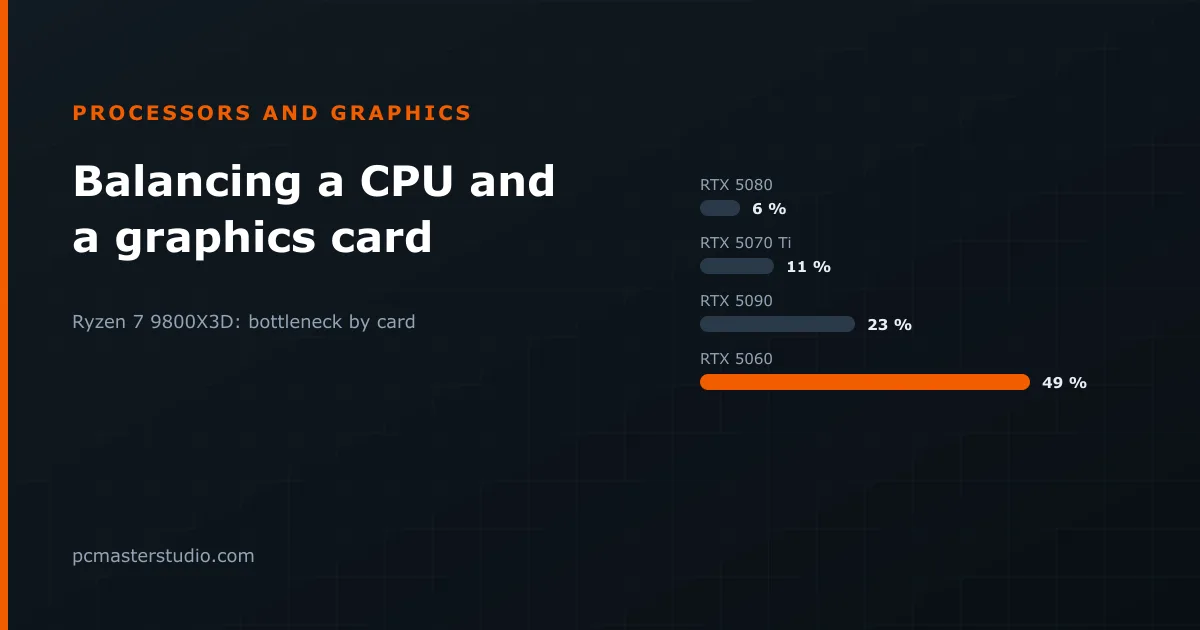
| Ryzen 7 9800X3D + RTX 5060 | Graphics card limit, severe (49 %) |
The last row is the classic mistake in reverse: one of the fastest gaming processors on the market paired with an entry-level card, which will spend most of its time waiting. Why these gaps arise, and which ones are worth worrying about, is covered in how to balance a processor and a graphics card.
2. Processor and platform, as one decision
The processor drags the socket along, and the socket drags the motherboard and the memory type. They are a single decision even though they arrive in three boxes. The four desktop platforms in our catalogue:
| Platform | Processors | Memory | Outlook |
|---|---|---|---|
| AMD AM4 | Ryzen 5000, including the 5700X3D and 5800X3D | DDR4 | At the end of its life: good for upgrading a board you own, not for a new build |
| AMD AM5 | Ryzen 7000 and 9000 | DDR5 only | Supported across several generations so far |
| Intel LGA 1700 | Core 12th, 13th and 14th generation | DDR4 or DDR5, depending on the board | No new generations; Intel has moved on |
| Intel LGA 1851 | Core Ultra 200S | DDR5 only | Current Intel platform |
Picking a platform that is already at the end of its life is the classic trap: you save a little today and have no upgrade path tomorrow. The reverse also applies — if you own a good AM4 board and DDR4, a 5700X3D upgrade can beat a whole new platform on value. Before ordering, check that the motherboard's BIOS supports your exact processor; a board that has sat in a warehouse may need an update first.
3. Now the graphics card
With the workload defined and the platform chosen, the card becomes a bounded decision instead of a leap of faith. You know the resolution it must drive and roughly how much budget is left. Two checks belong here:
- Memory. If any of the use is local AI, memory capacity outranks nearly everything else — our VRAM calculator tells you what each model needs. For games, avoid the cheaper 8 GB version of a chip that also comes in 16 GB if you plan to keep the card for years.
- Balance. Put the processor and the card into the bottleneck detector together before buying either.
4. The power supply, sized against what you chose
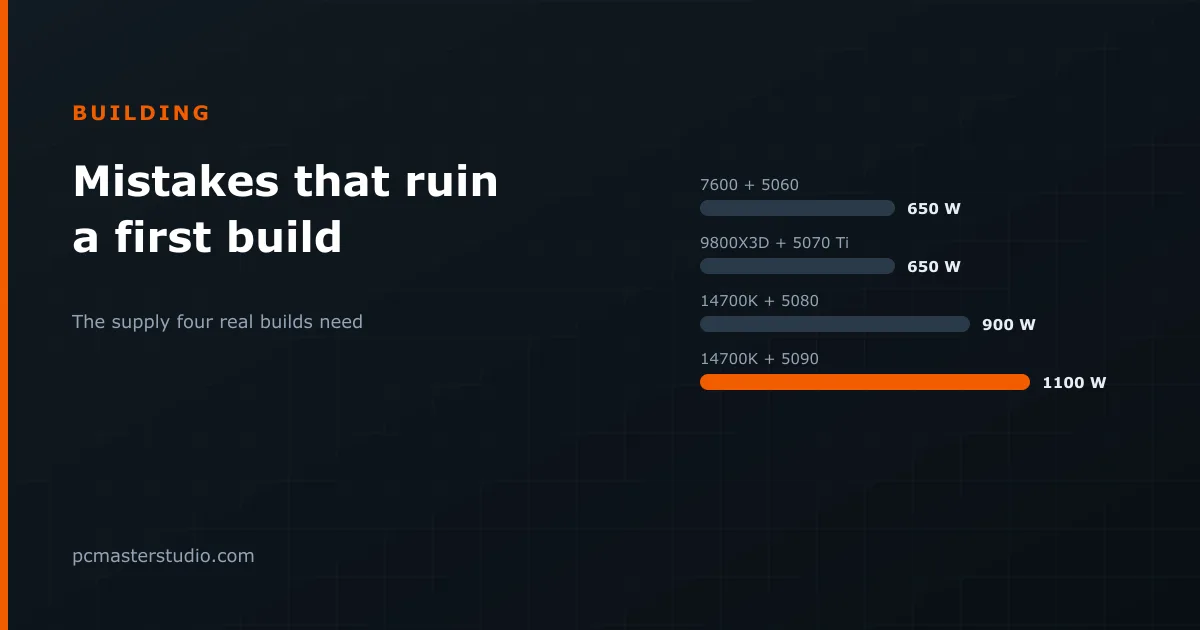
The supply comes late because it cannot come early: you need to know what you are feeding. Buying it first "to be safe" is how people end up with an oversized mediocre unit instead of a right-sized good one. Our power supply calculator adds the parts, applies 25 % headroom and rounds up to a size that exists:
| Build | Recommended supply |
|---|---|
| Ryzen 7 9800X3D + RTX 5070 Ti | 650 W |
| Core i7-14700K + RTX 5080 | 900 W |
| Core i7-14700K + RTX 5090 | 1100 W |
With the wattage settled, choose among the units that meet it on quality: a reputable maker, ATX 3.0 or 3.1, and a native 16-pin cable if the card uses one. Which graphics card your power supply can run works the sizes out for 35 cards.
5. Memory, storage, case and cooling
These come last because they have the most slack and constrain the rest the least — but each has one check you cannot skip.
- Memory: the type the platform dictates, always as a pair of modules, 32 GB for a new gaming build.
- Storage: an NVMe drive, and more capacity than you think — recent games commonly need around 100 GB each.
- Cooling: sized to the processor's real power ceiling, which on many chips is well above the figure on the box.
- Case: graphics card length and cooler height against what the case accepts. It is the most common build mistake and the most expensive one to discover with everything delivered.
Timing the purchase
Buying in this order does not mean buying over several months. Returns windows are short, and a part that sits unopened for weeks may not be returnable when you discover it does not fit. Decide in order, then buy together, and open the boxes in the order you build. The PC building simulator lets you verify the whole combination before paying for any of it.