Reading a pack
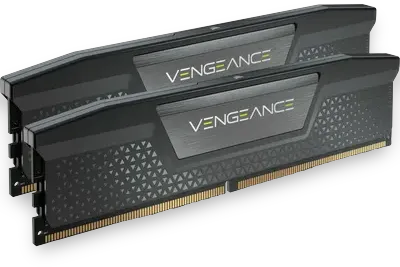
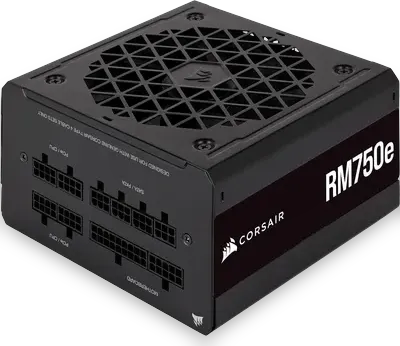
Choosing a pack shows its parts and, beside them, the estimated draw: the processor's and graphics card's rated power plus 50 W for everything else, worked out the same way as the power supply calculator. Every pack ships a supply larger than that recommendation on purpose, so the graphics card can be upgraded later without replacing it. Prices are left out because they change weekly; the shop links search for each part.
The four packs, and who they are for
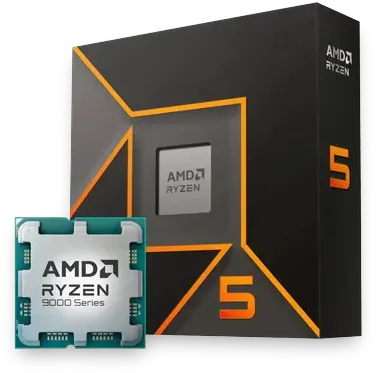
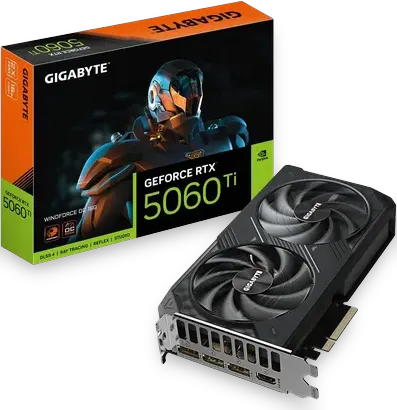
- Starting Power (1080p): Ryzen 5 9600X and RTX 5060 Ti 16 GB. It draws about 295 W, so the calculator's 650 W minimum already has plenty of margin; the pack's 750 W unit leaves room for a much bigger card later. The 16 GB card is the reason it is also a sensible first machine for local AI: it holds Qwen3 14B at Q4_K_M and writes about 45 tokens per second.
- Workstation Pro (creators): Ryzen 9 9900X, RTX 5070 Ti and 64 GB of memory. The 12 cores are what it is for: a large C++ build is estimated at 2 min 24 s, against 5 min 52 s on the Starting Power's 6-core processor. It draws about 470 W, which calls for 650 W; it ships with 850 W.
- Elite Gaming (4K): Ryzen 7 9800X3D and RTX 5080, with a 360 mm liquid cooler. The X3D processor is the one that leads in high-refresh gaming, and the 5080 carries 4K at high settings. It draws about 530 W, which calls for 700 W; the 1,000 W supply covers a move to a flagship card.
- Master Studio+ (AI and rendering): Ryzen 9 9950X3D, RTX 5090 and 96 GB of memory. The 32 GB card is the point: Qwen 2.5 32B at Q4_K_M runs at about 83 tokens per second, and a 70B model fits at Q3_K_M. It draws about 795 W, which calls for 1,000 W, and the pack's 1,200 W unit keeps it out of the top of its range.
If you are between two packs
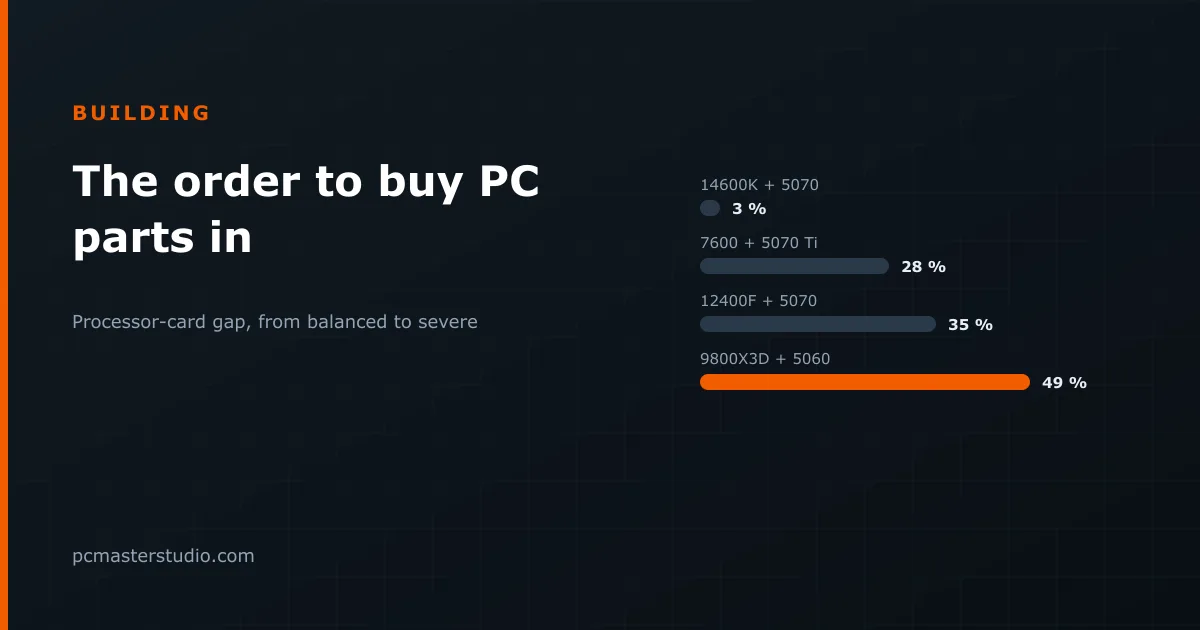
For gaming, the graphics card decides more than anything else, and the resolution you play at decides which card you need. At 1080p the Starting Power pack is enough for most games; at 1440p, move up the graphics card before anything else; at 4K, the Elite Gaming pack is the one built for it. The bottleneck detector shows whether a processor and card you are mixing are a sensible pair.
For work, look at where your time goes. If it is compiling, rendering or running containers, core count and memory pay back — compare processors in the compilation estimator. If it is local AI, video memory comes first, and the LLM VRAM calculator tells you how much the models you want need.
What to change first on a tighter budget
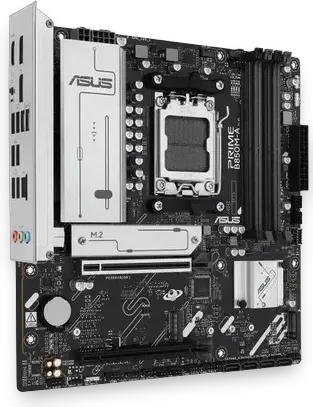
- Keep the supply and the motherboard. They outlive everything else in the case, and a cheap supply is the one part that can take others with it when it fails.
- Step the graphics card down one tier before touching the processor in a gaming build; it is the easiest part to upgrade later.
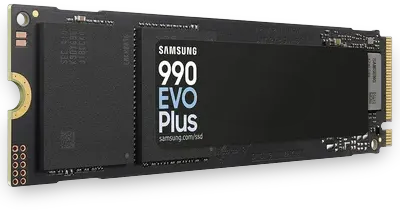
- Halve the storage before halving the memory. A second drive is a five-minute upgrade; running out of memory slows every task.
When the list is settled, rehearse the assembly in the PC building simulator, which checks sockets, clearances and power cables as you place each part, and see what the machine costs to run in the electricity calculator.